
Step 1
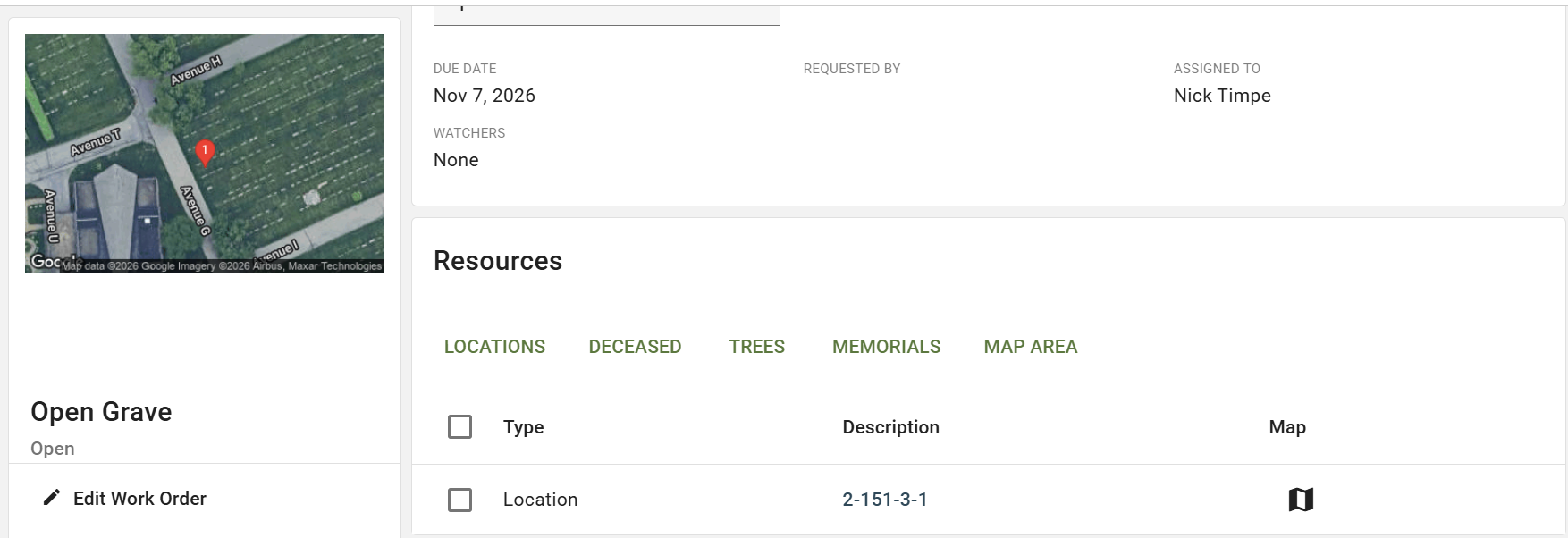
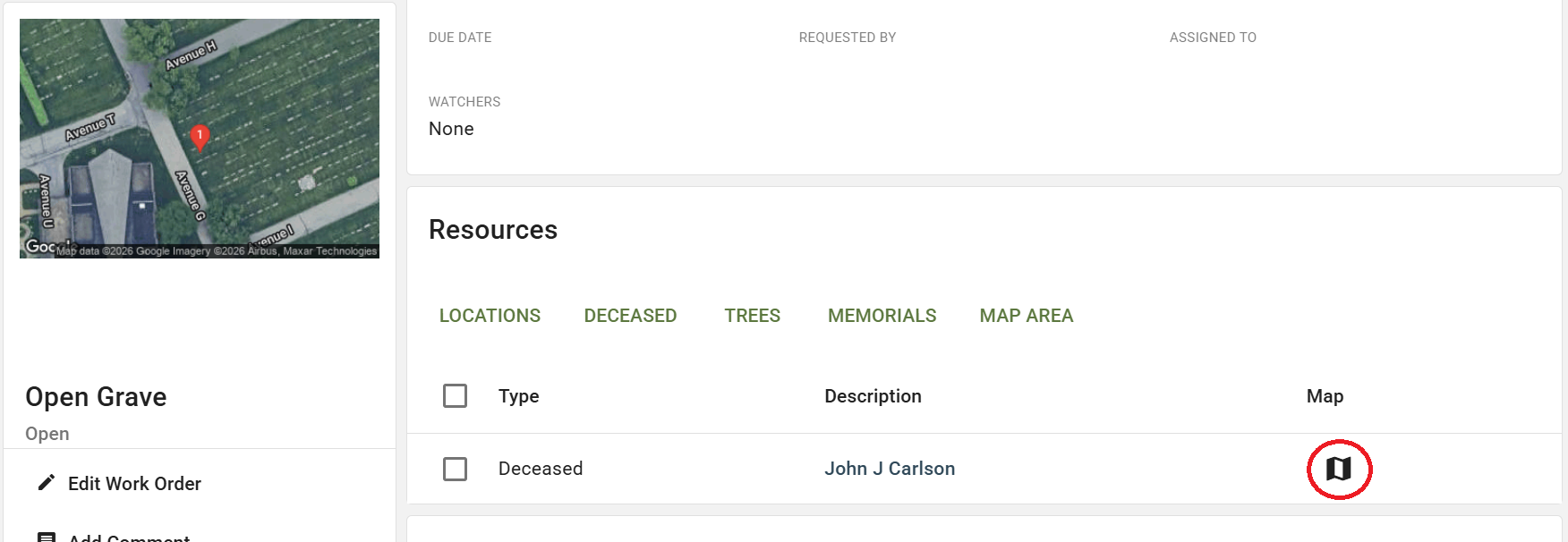
Within the Work Order, scroll down to "Resources" under the Work Order Details.
Step 2
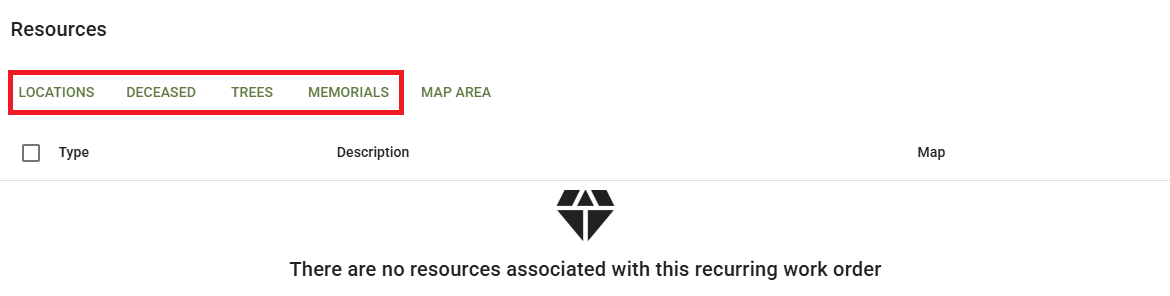
Select which Resource you'd like to add.
Step 3
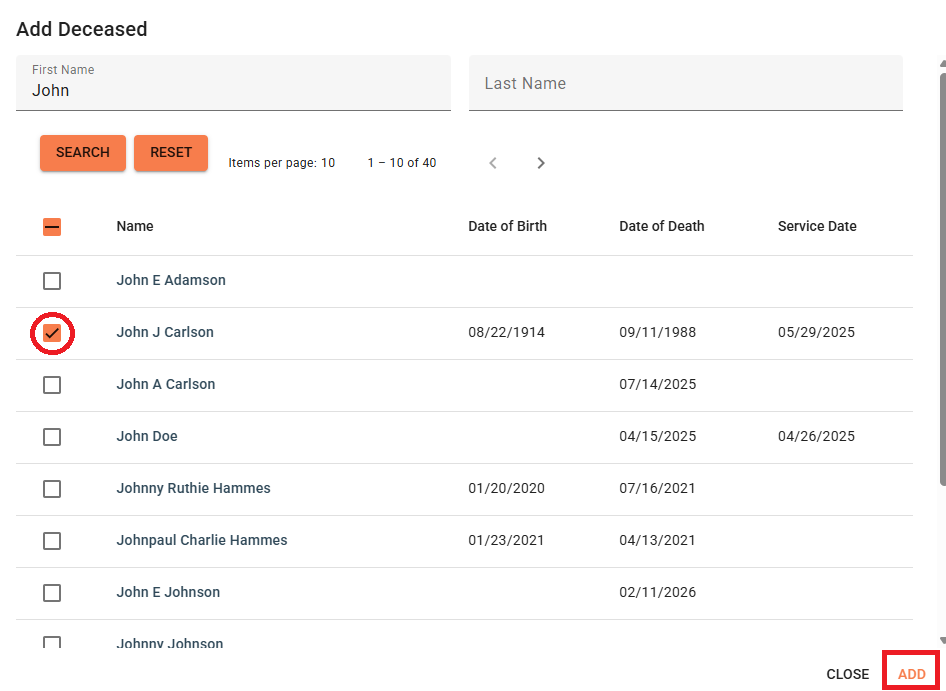
Search for the Resource using the provided fields, and select the "check box" next to the record you want to add. You can select multiple items at once, and then press "Add" when finished.
Step 4
The resource(s) will be linked to the Work Order, any mapping information will appear in the map preview on the top left.
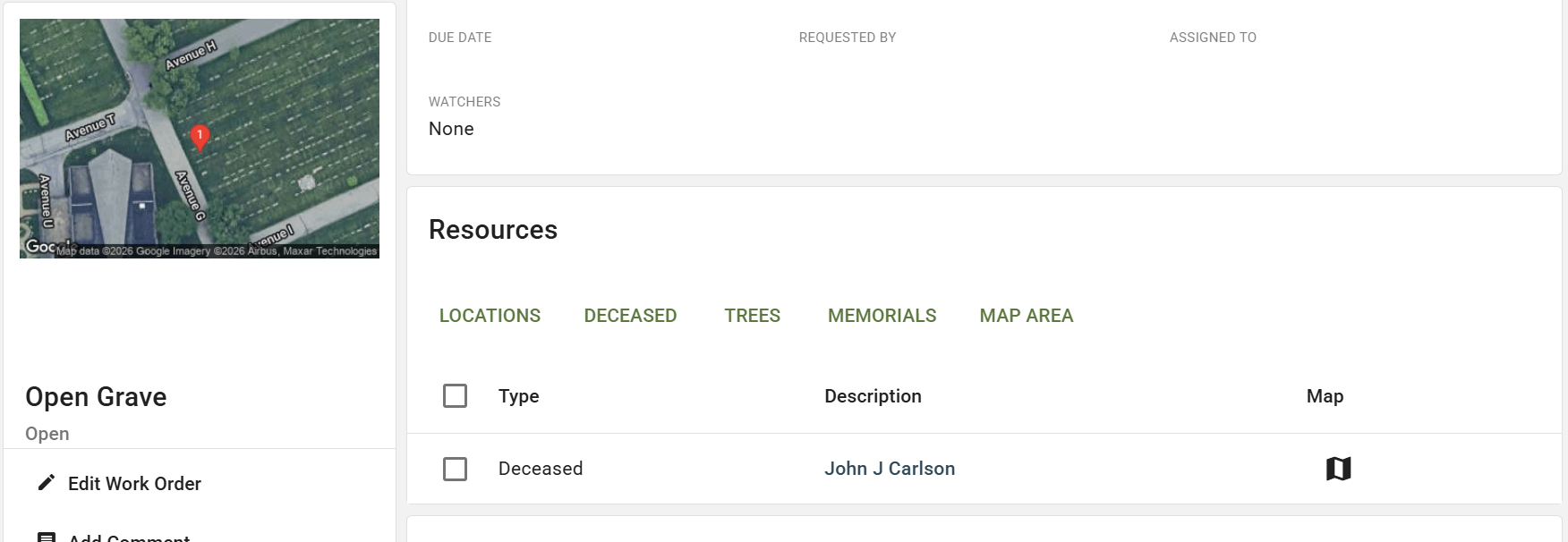
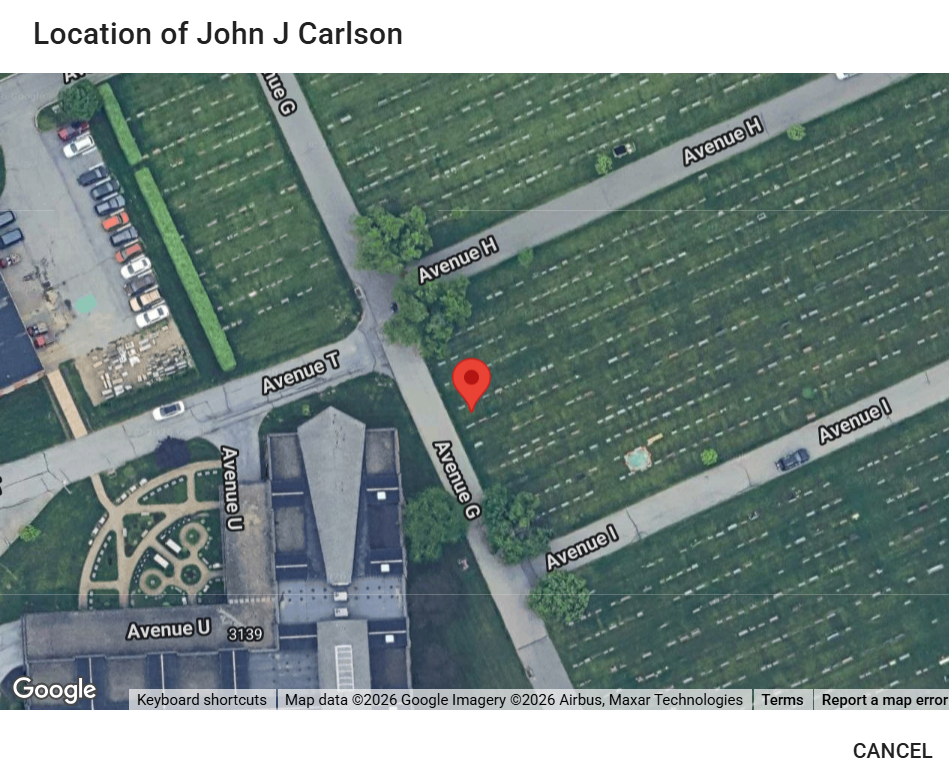
- You can also select the Map on the right of the linked Resource, to see a bigger version of the map.
Map Area
Click Map Area, and you can highlight the area to work on. See separate article on how to add a map area to a work order.