Step 1
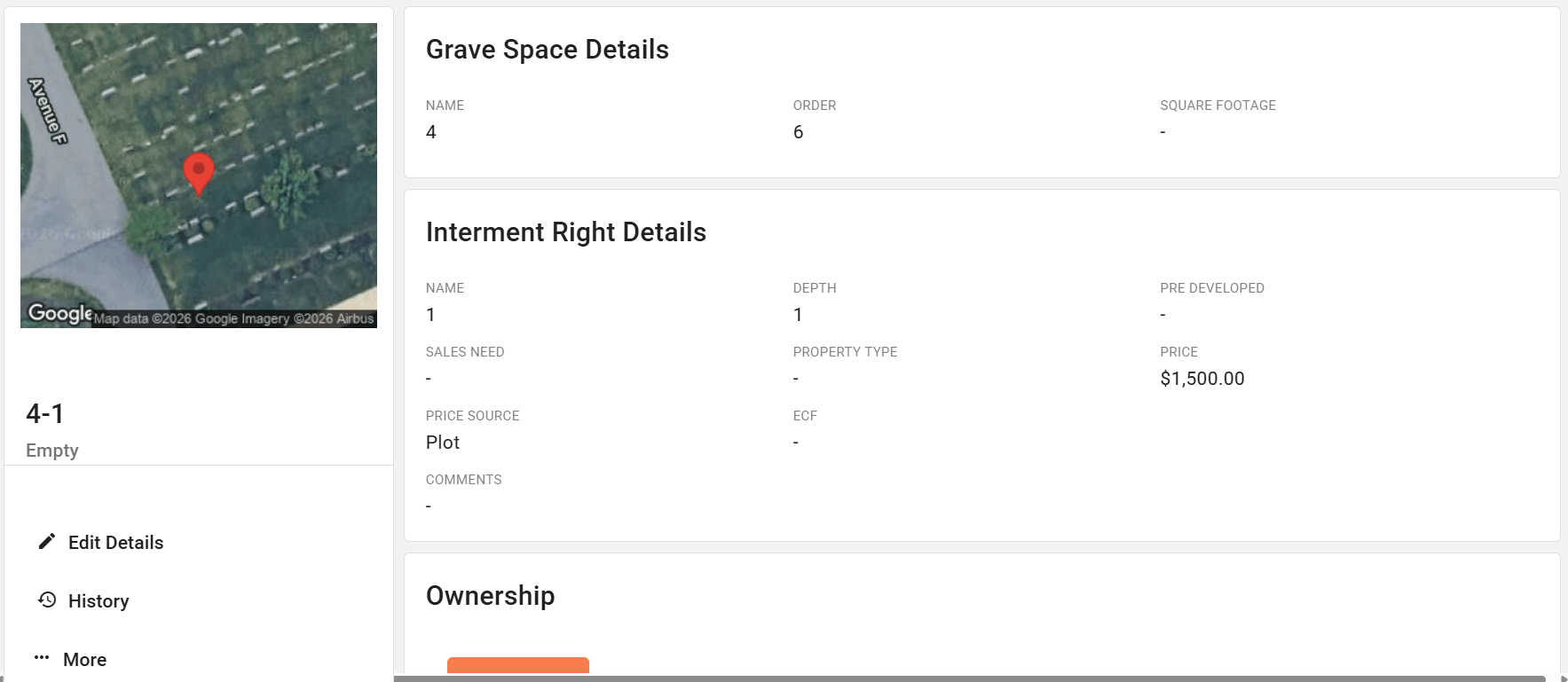
Navigate to the Interment Right of the Grave Space.
Step 2
Under the Map Preview on the left, select More > Create Work Order.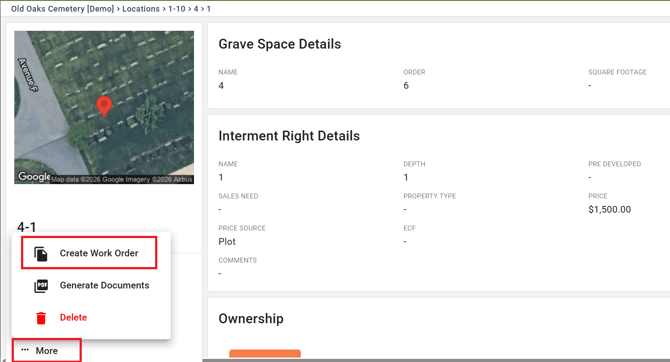
Step 3
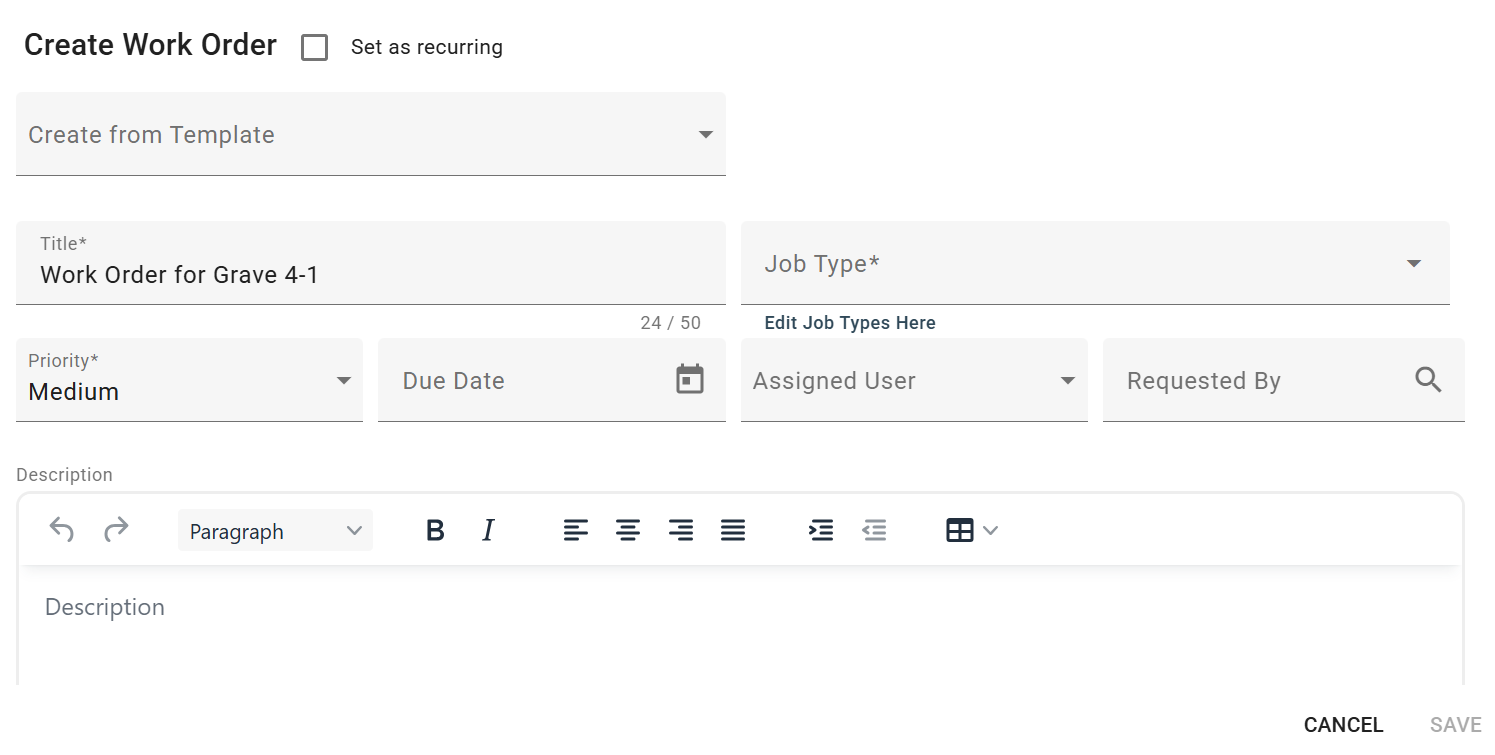
A window will pop up for creating a work order. Fill out the fields as desired and click SAVE.
Step 4
You will see a temporary message pop up at the bottom of your window. Click View to navigate directly to the work order you just created.

Step 5
If the pop up message disappeared before you clicked "View," you can go to the Work Orders Module and search for the work order you just created: How To Search by Work Order Details
Step 6
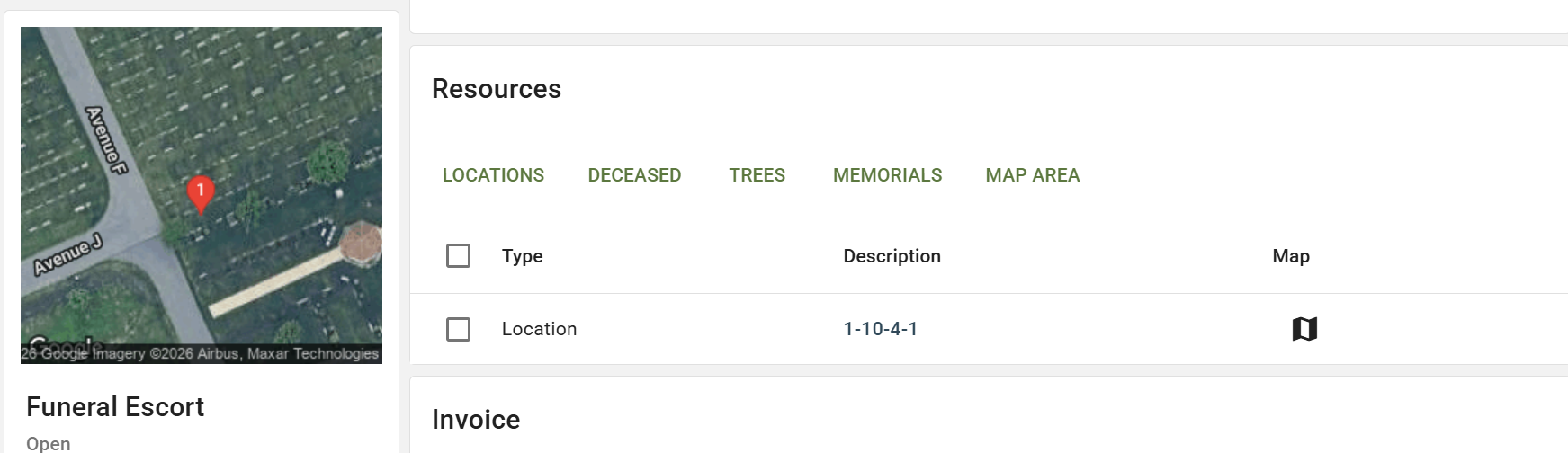
Once you navigate to the work order you just created, you will see that the Location is already listed as a resource and is also pinned on the map.