Step 1
Log into webCemeteries Management.
Step 2
Search by Location to get to the location or space for the record you would like to remove the owner from.
Step 3
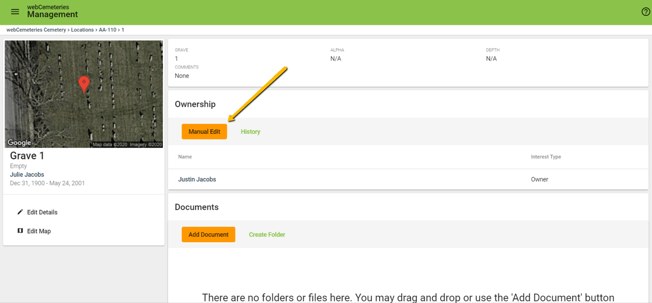
At the top of the page you will see the space information and ownership. To add an owner to the space, click "Manual Edit"
Step 4
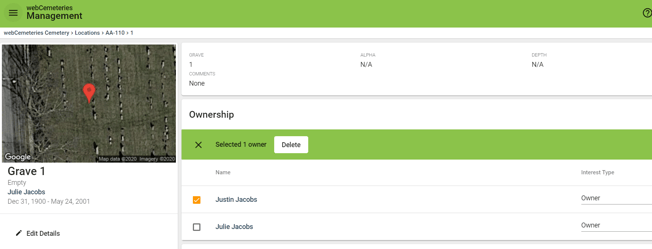
Place a check in the box next to the owner who you would like to remove. A green bar will appear with the option to Delete. Click “Delete.”
Step 5
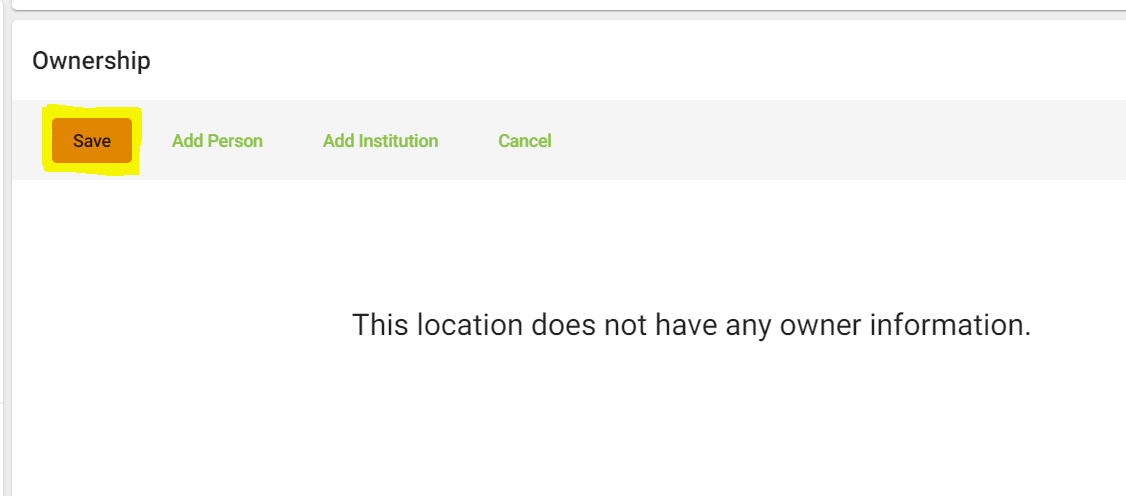
Click “Save” under Ownership.
Step 7
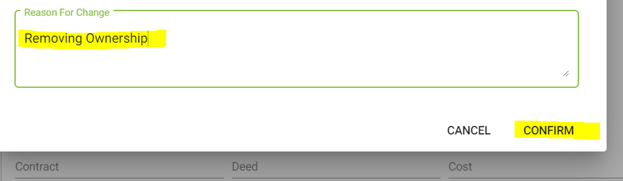
A window will pop up asking you to confirm the reason for removing ownership. Type in the reason and click CONFIRM.