
Step 1
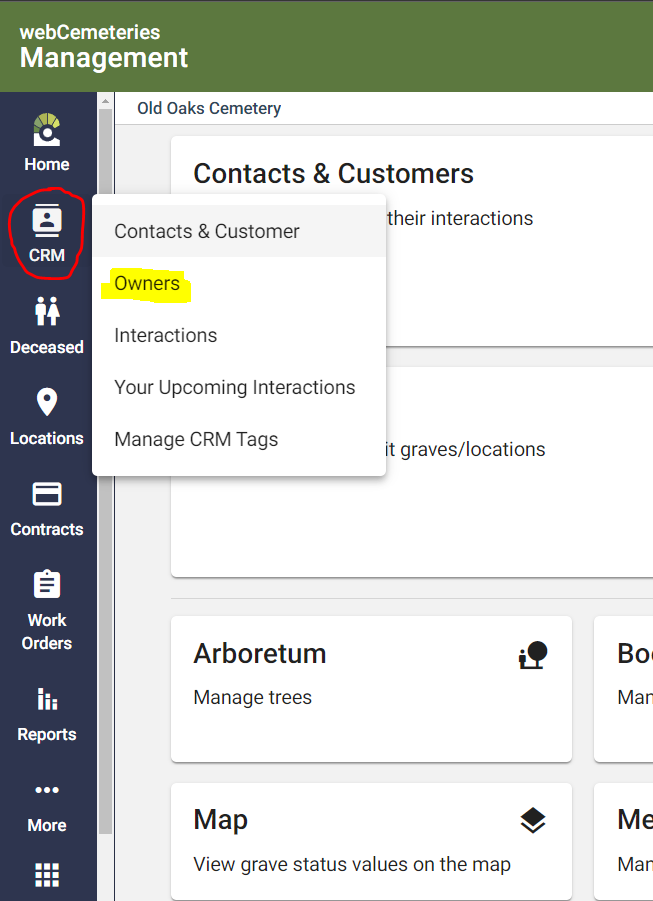
Hover over CRM and click Owners.
Step 2
Some common ways to search are by section in the drop down menu or by entering the owner’s first and/or last name. You can even filter your search down to the Grave level. Once you have the search filters filled out, click Search.

Step 3
Your search results will appear below. Click on the name of the owner to access the owner profile page.

Step 4
On the owner profile page you can view owner details, edit owner details, add interactions, see history, merge owner records and view and upload owner documents.

Video Demonstration: