Step 1
Log into webCemeteries Management.
Step 2
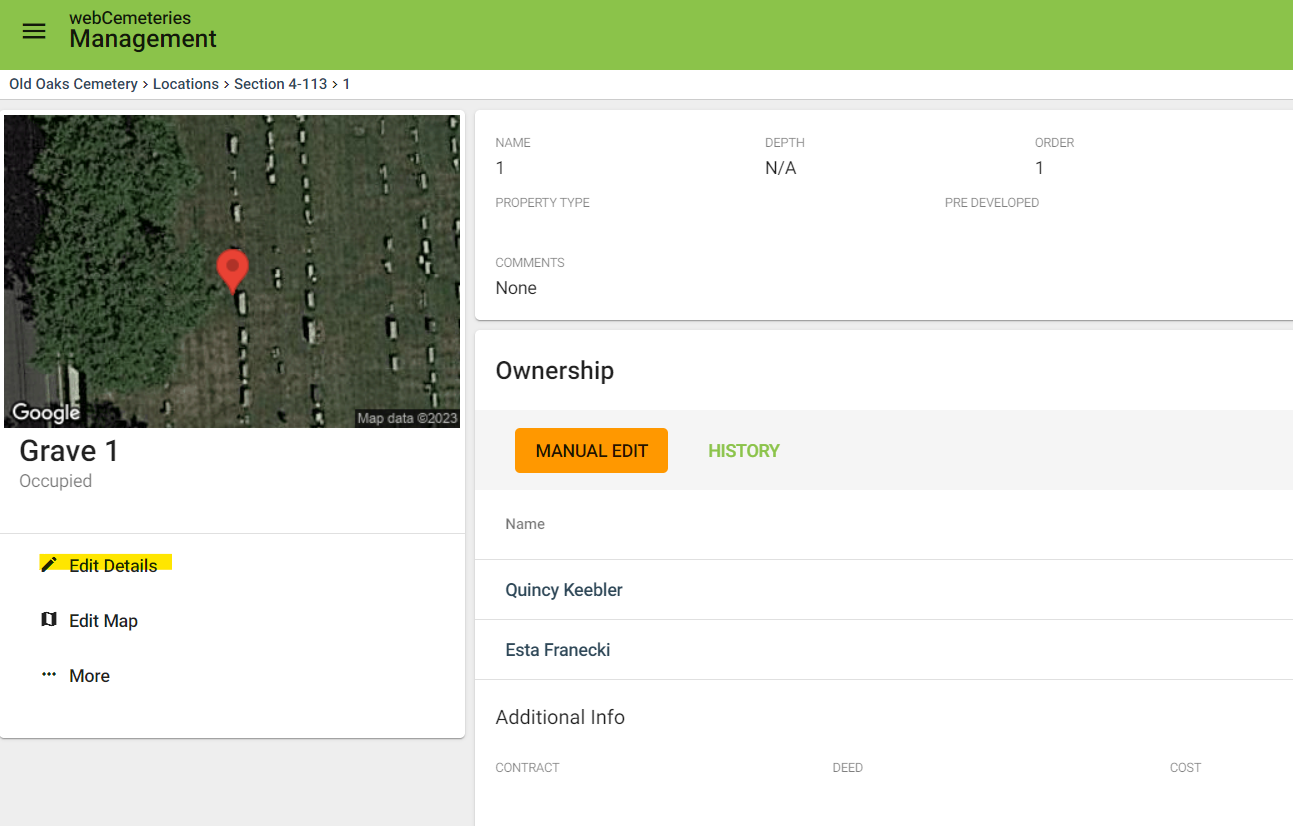
Step 3
On the grave you wish to edit, click “Edit Details.”
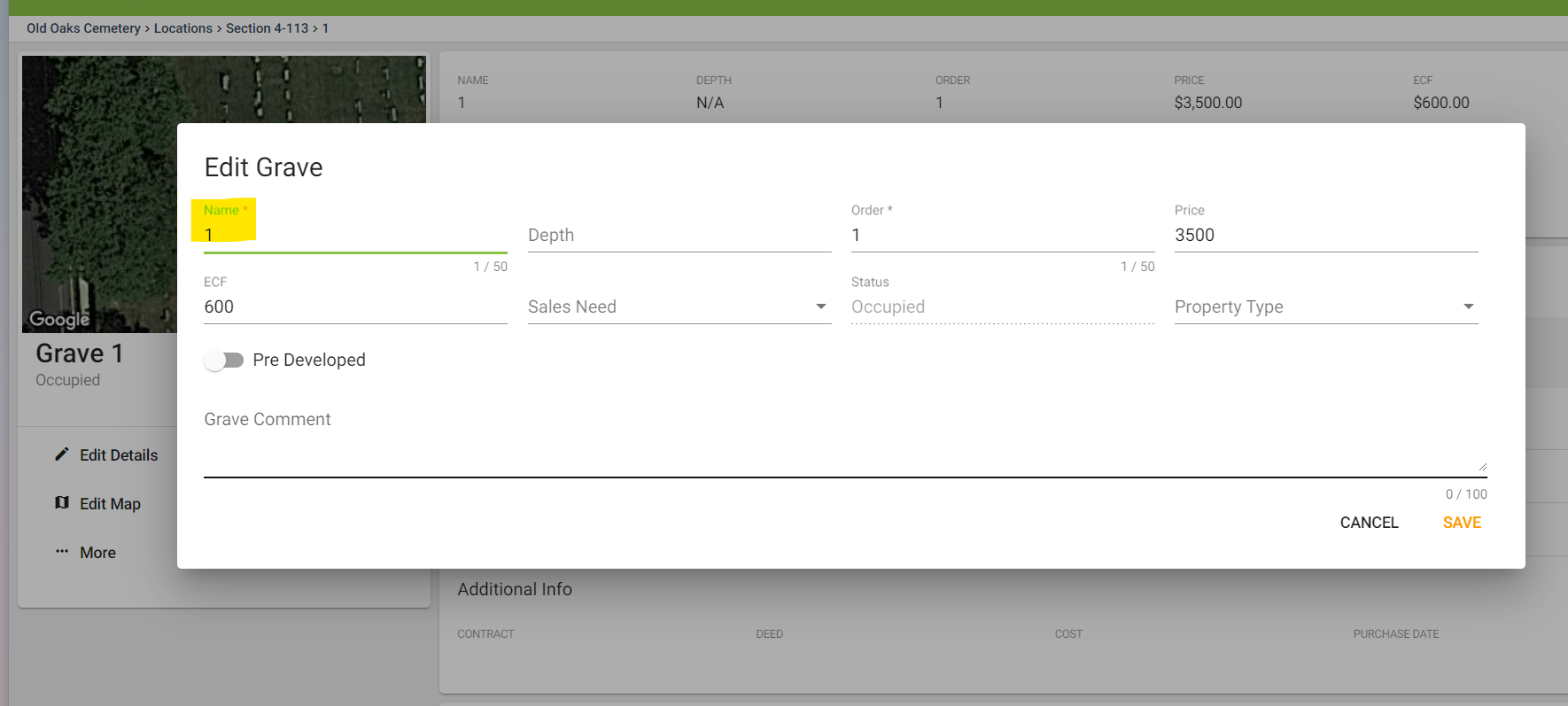
Step 4
Your cursor will automatically be in the Grave Name field.
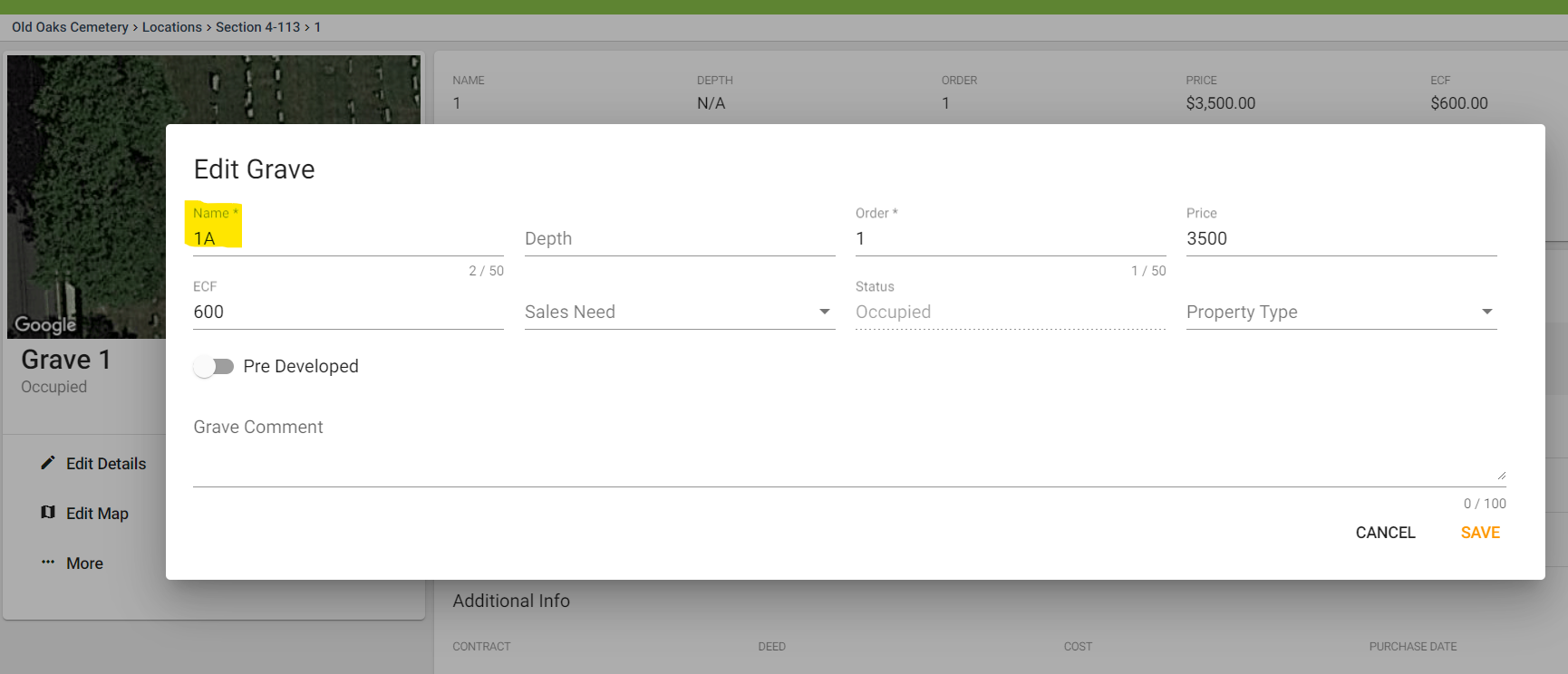
Step 5
Change the Grave Name to the desired name/title. Make sure to click SAVE.